



Skip to content

Record every meeting.Keep every word private.

Screen, system audio and microphone, with live proof each source is recording. Transcripts are made on your Mac.

Coming soon to the Mac App StoreCompare Free and Pro
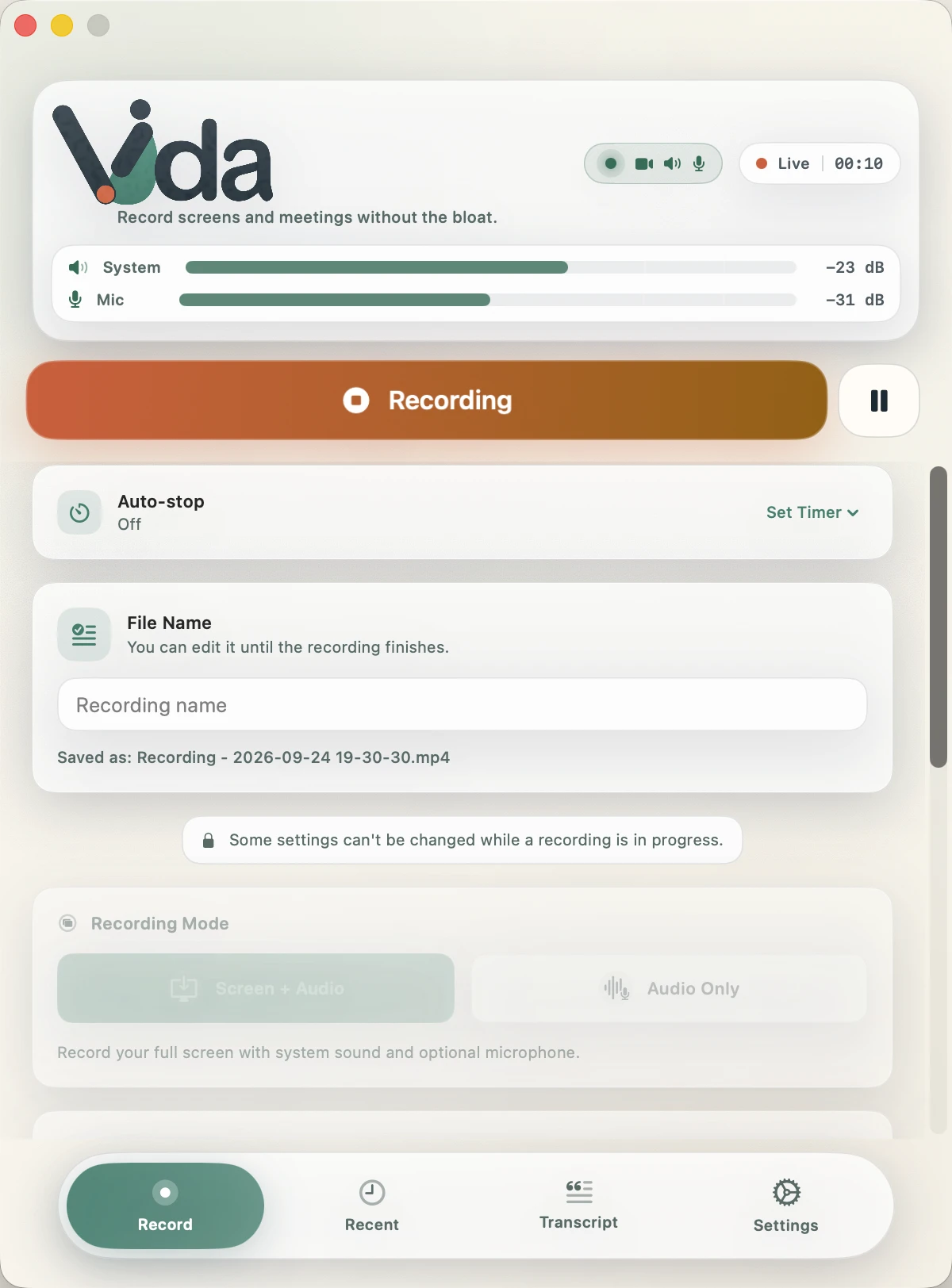
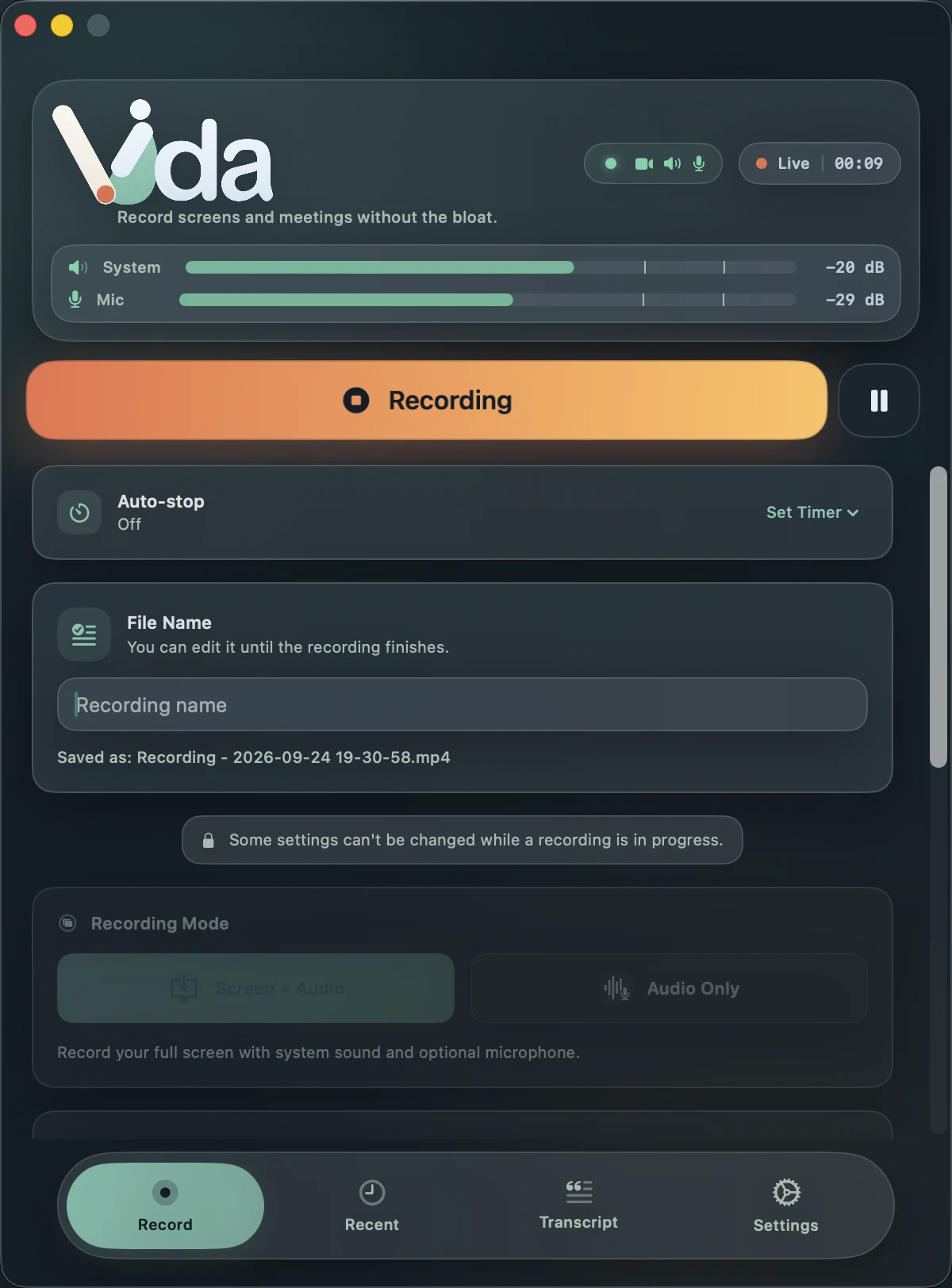
Vida's Record tab during a recording, with the REC health badge showing video, speaker and microphone confirmedVida's Record tab during a recording, with the REC health badge showing video, speaker and microphone confirmed

Recording health

Know it's recording while it's happening.

Finishing an important meeting and wondering if the other side was captured is the worst way to find out. Vida confirms each source as it reaches the file.

  1. Orange: confirming

    Vida is still waiting for the first samples from that source. It normally turns green within a second of the countdown.

  2. Green: in the file

    Frames and audio from that source are reaching the recording. Real meters show the actual system and microphone levels.

  3. Red: fix it now

    A selected source stopped arriving. You see it during the meeting, while there is still time to fix the setup.

Everything you need to capture the meeting.

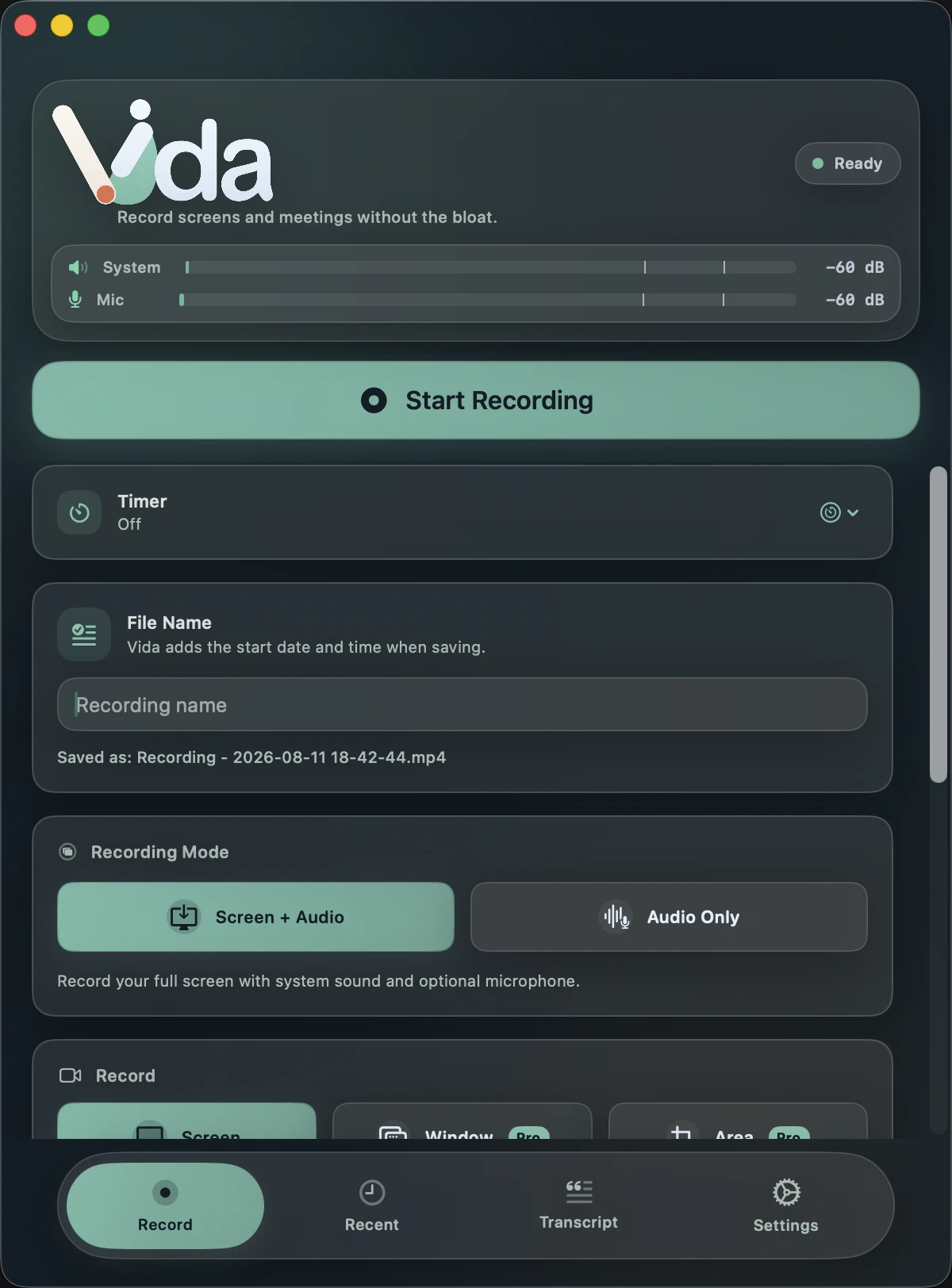
Screen, system audio and microphone

Capture the full display with both sides of the conversation. Save as MP4 or MOV.

Vida's Record tab set to Screen and Audio with system audio and microphone selected

Audio only, when video isn't needed

System audio, your microphone or both, as compact M4A or uncompressed WAV.

  • M4A
  • WAV

Pause without leaving gaps

Paused time is removed from the file instead of being saved as silence or a frozen frame.

Recorded

Paused

Saved file

No limit

Record for as long as the meeting runs

Free recordings have no duration cap. The only limit is your disk.

Controls that stay out of the recording

A floating pause and stop panel plus a menu bar indicator. Vida leaves its own windows out of the capture.

Vida's floating recording controller with pause and stop buttonsVida's floating recording controller with pause and stop buttons

Turn meetings into text without uploading them.

Speech recognition and speaker identification run on your Mac. Export the result for notes, documents or captions.

Spoken languages

  • Auto-detect
  • English
  • Spanish
  • French
  • German
  • Italian
  • Portuguese
  • Japanese
  • Russian
  • Chinese
  • Korean

Explore transcription

Recording: Onboarding feedback.mp4
Recorded: Sep 22, 2026 at 10:04 AM
Duration: 0:00:27
Recording Type: Screen + Audio
Sources: System Audio and Microphone
Language: English
Speakers: SPEAKER_01 and SPEAKER_02

---

[00:00:00] SPEAKER_01: Thanks for joining. Let's go through the onboarding feedback first.
[00:00:05] SPEAKER_02: Most testers finished setup in under two minutes. Two got stuck on permissions.
[00:00:12] SPEAKER_01: Which step, exactly?
[00:00:14] SPEAKER_02: Screen Recording. They missed the switch in System Settings.
[00:00:19] SPEAKER_01: Then let's add a clearer hint there and test it again on Thursday.

Sample export of a fictional meeting, in Vida's exact output format.

Privacy

Your meetings stay on your Mac.

On your Mac

  • Recordings
  • Audio
  • Transcripts
  • Speaker labels
  • Glossary
  • Settings

Over the network, only when needed

  • App Store

    Purchase and restore of Vida Pro, handled by Apple.

  • Speech models

    A one-time download from Hugging Face the first time you transcribe.

  • Nothing else

    The app has no Vida server, no account and no analytics SDK.

See how privacy works

Five complete transcriptions, free.

  • Full length, with speakers, in every export format.
  • Vida asks before using one. Failed or cancelled jobs cost nothing.
  • Transcribing the same recording again is always free.

Free to record. Pay once to transcribe everything.

Vida Free

A complete recorder, not a trial.

€0Free forever

  • Unlimited recording of any length
  • Screen, system audio, microphone and audio only
  • MP4, MOV, M4A and WAV
  • REC health, recovery and disk protection
  • 5 complete transcriptions with speakers and every export format
Coming soon to the Mac App Store
Vida Pro

Everything in Free, plus the complete transcription workflow.

€29.99One-time purchase

  • Unlimited on-device transcription
  • Auto-transcribe when a recording ends
  • Custom terminology glossary
  • Window and area recording, camera overlay
  • Import existing audio and video files
  • Balanced and High video quality
  • Eight extra themes and custom themes

€29.99 is the price in Spain. The App Store shows the price for your country. No subscription. Family Sharing included.

Compare Free and Pro

Made for meetings where the recording matters.

  • Remote and hybrid work

    Keep a private record of decisions without inviting a bot to the call.

  • Product and support teams

    Record demos and customer calls, and catch missing audio while the session is live.

  • Researchers and interviewers

    Keep sensitive interviews on your Mac, with speakers separated for analysis.

  • Educators and trainers

    Record lessons with screen and audio together, then export captions for review.

  • Podcasts and voice notes

    Skip the video. Record the Mac, your microphone or both, as M4A or WAV.

Frequently asked questions

Is Vida Free really free?

Yes. Vida Free is a complete meeting recorder: unlimited recording of any length, every output format and full recording reliability. It has no ads, watermark, account or duration limit.

Is Vida Pro a subscription?

No. Vida Pro is a one-time App Store purchase. Family Sharing is supported.

Does a bot join my meeting?

No. Vida records from your Mac. It never joins the meeting as another participant.

Does Vida upload my meetings for transcription?

No. Recordings and transcripts are processed on your Mac. The app only connects to the internet to download speech models and to talk to the App Store.

Do I need a Vida account?

No. Vida has no accounts or sign-in. Purchases use your existing Apple Account, which Vida never sees.

Can Vida tell speakers apart?

Yes, in every transcription, including your five free ones. Speakers are labeled and can be merged into readable paragraphs.

All questions

Record the meeting. See that it's working. Keep it private.

Coming soon to the Mac App Store

Requires macOS 14 Sonoma or later. Apple Silicon recommended for transcription.