

Private transcription, on your Mac.
Speech recognition and speaker identification run locally. Your recordings are never uploaded to be transcribed.
From meeting to text
Record
Record the meeting in Vida, or import an existing file with Vida Pro.
Transcribe
The job runs in the background with a live time remaining. Pause it and continue later.
Review
Read the transcript with speaker labels and timestamps, and copy what you need.
Export
Save as Text, Markdown, SRT subtitles or WebVTT captions.
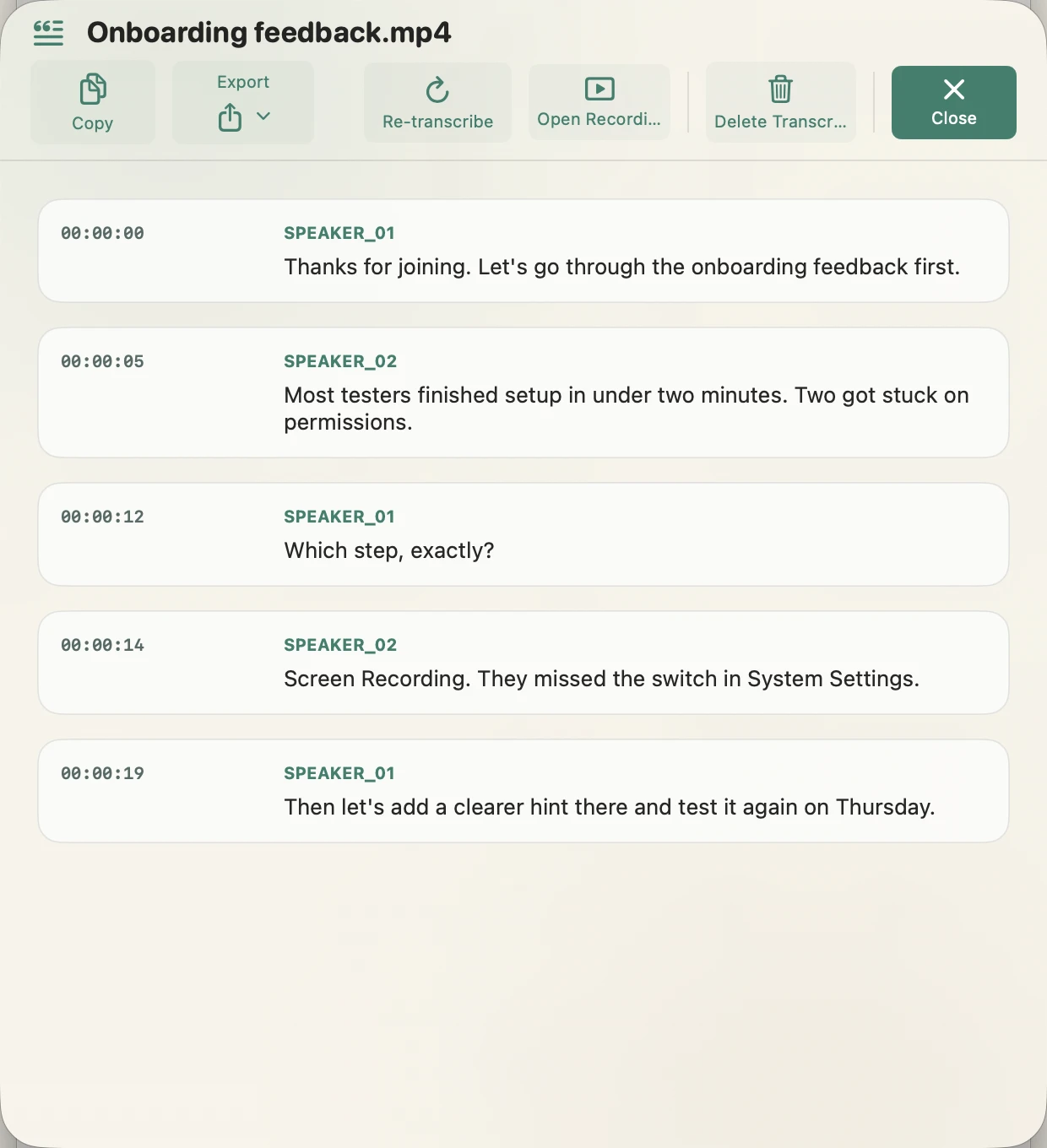
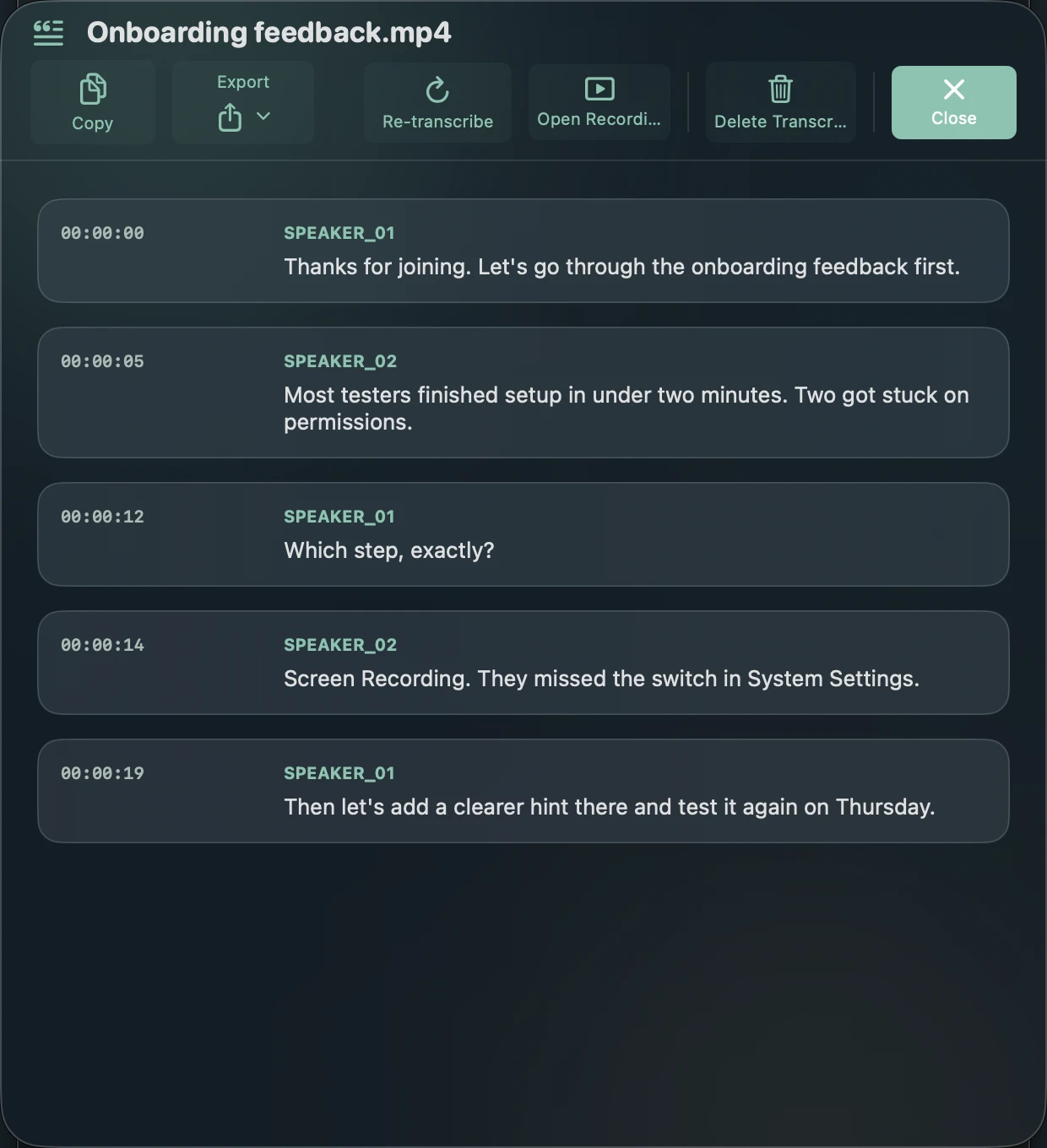
See who said what.
Vida detects changes between speakers and labels each contribution. Consecutive entries from the same speaker can be merged into readable paragraphs.
Ten spoken languages.
Pick the language of the meeting or let Vida detect it. The spoken language is independent of the interface language.
- English
- Spanish
- French
- German
- Italian
- Portuguese
- Japanese
- Russian
- Chinese
- Korean
Your terminology, corrected.
With Vida Pro, a custom glossary fixes names, products and acronyms in every transcript, locally.
Export in the format you need.
Recording: Onboarding feedback.mp4
Recorded: Sep 22, 2026 at 10:04 AM
Duration: 0:00:27
Recording Type: Screen + Audio
Sources: System Audio and Microphone
Language: English
Speakers: SPEAKER_01 and SPEAKER_02

---

[00:00:00] SPEAKER_01: Thanks for joining. Let's go through the onboarding feedback first.
[00:00:05] SPEAKER_02: Most testers finished setup in under two minutes. Two got stuck on permissions.
[00:00:12] SPEAKER_01: Which step, exactly?
[00:00:14] SPEAKER_02: Screen Recording. They missed the switch in System Settings.
[00:00:19] SPEAKER_01: Then let's add a clearer hint there and test it again on Thursday.
Sample export of a fictional meeting, in Vida's exact output format.
Five complete transcriptions, free.
- Full length, with speakers, in every export format.
- Vida asks before using one. Failed or cancelled jobs cost nothing.
- Transcribing the same recording again is always free.
About the first transcription
The first time you transcribe, Vida downloads its speech models from Hugging Face. That download can take a while and needs disk space. After that, transcription runs on your Mac without sending meeting content anywhere.
Record the meeting. See that it's working. Keep it private.
Requires macOS 14 Sonoma or later. Apple Silicon recommended for transcription.